
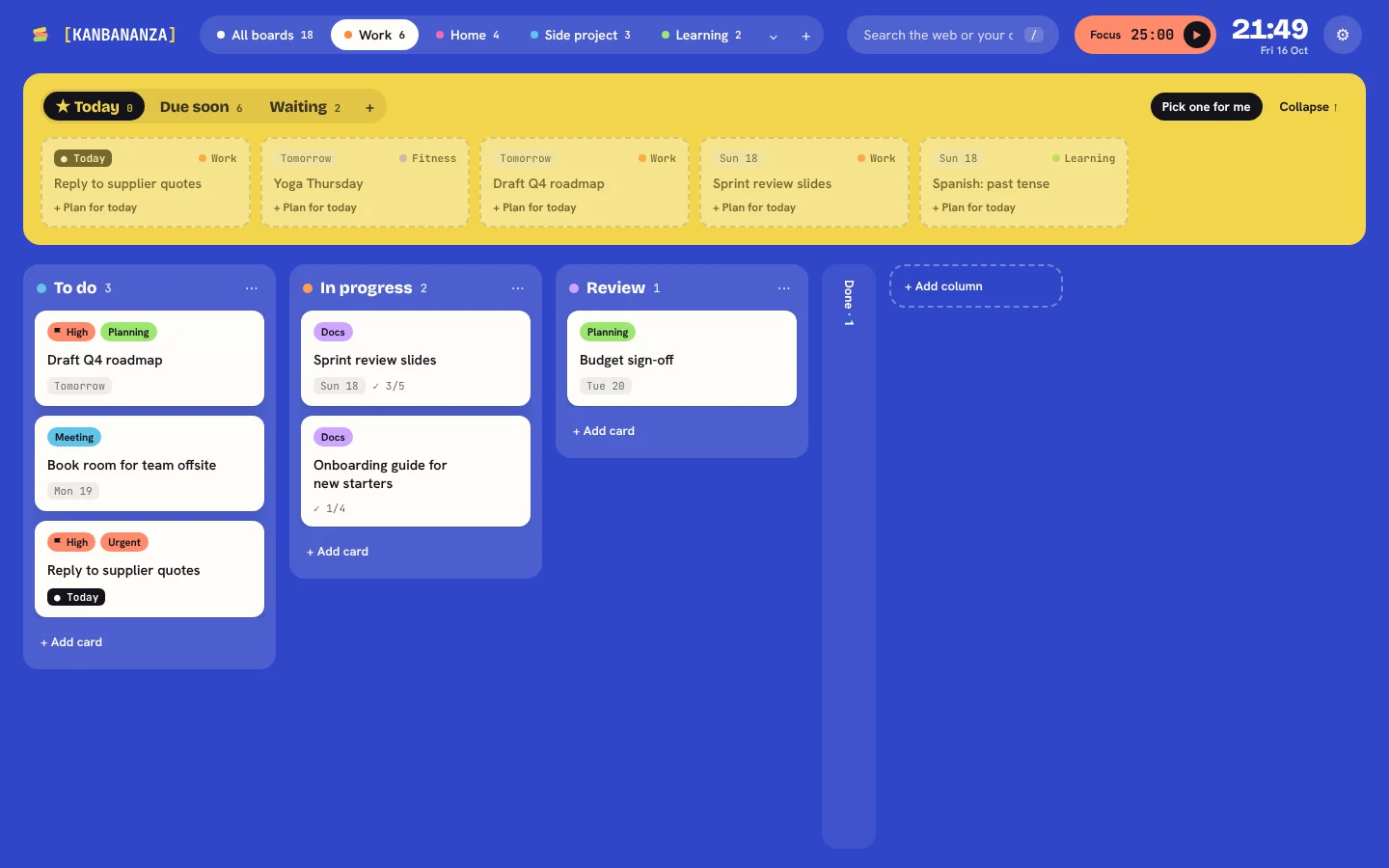
The hardest part of a to-do list is remembering to look at it. KanBananza replaces your browser's new tab page with your boards, so your plan is there every time you open a tab: no app to switch to, no website to log in to.
What you see when you open a tab
- Up next at the top: what's due soon, what you're waiting on, and today's plan.
- Your board below: columns like To do, Doing and Done. Drag cards across, or use the keyboard.
- A clock, a focus timer, and a search box for the web or your cards.
Add things the moment you think of them
Press n on a new tab, or use the toolbar popup from any page. Type in plain English, like "Call Sam tomorrow 3pm #home", and KanBananza sets the date and label. You can also right-click any page and choose "Add to KanBananza".
Fast, and works offline
Your boards are stored in your browser, so the new tab opens instantly and works on a train or a plane. Nothing loads from a server.
Hide it when you need to
Sharing your screen? Press B to frost or scramble every card. You can even have new tabs open hidden by default.
Chrome, Edge and Firefox
KanBananza works in Chrome, Edge and Firefox (version 140 or newer). In Chrome and Edge, Full Bananza can sync your boards between computers through your own Google Drive, encrypted before they leave.
KanBananza is free for Chrome, Edge and Firefox. No account, no tracking, and every accessibility option included.
Add to Chrome, it's free