
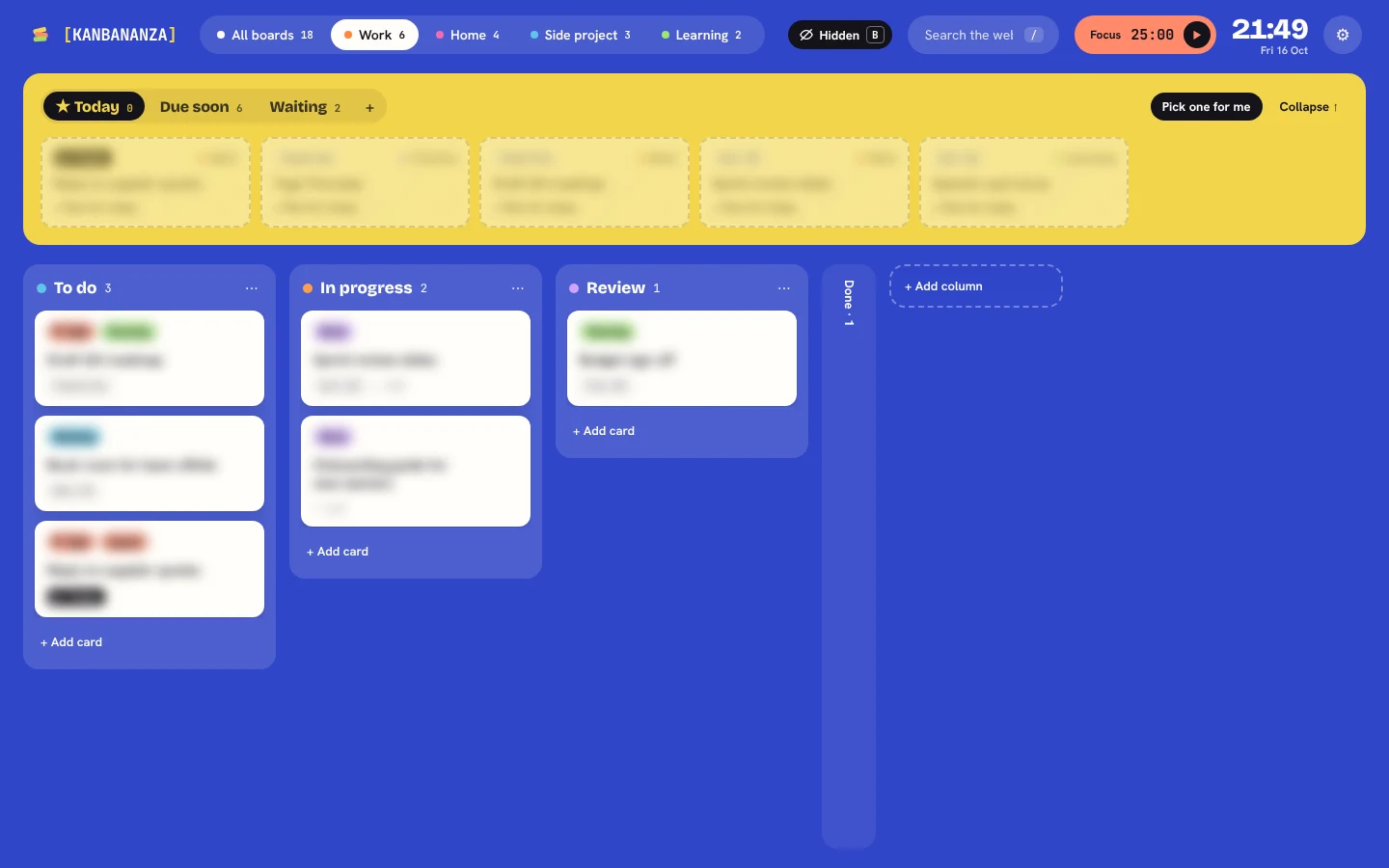
Many kanban tools, like Trello, are built for teams: your boards live on their servers so everyone can see them. That's great for shared work. For your own plans, health appointments, job hunting or anything personal, you may prefer something that never leaves your computer. That's what KanBananza is.
No account, no server, no analytics
- There's nothing to sign up for. Install it and open a new tab.
- Boards, cards, pictures and settings are stored in your browser's extension storage on your computer.
- KanBananza has no server and no analytics. We never see your boards or how you use them.
Locked when you want it to be
With Full Bananza, turn on a passcode lock and your boards, backups and pictures are encrypted on your computer. Press B any time to frost or scramble the cards on screen.
Sync without giving your data away
Want your boards on more than one computer? In Chrome and Edge, Full Bananza can sync through your own Google Drive. Everything is encrypted on your computer with a passphrase only you know before it leaves, and it goes straight to a hidden app folder in your Drive. Neither Google nor KanBananza can read it.
Yours to take with you
Export everything to JSON or CSV whenever you like, with automatic daily backups. Moving from another tool? Full Bananza imports Trello exports and CSV files.
Read the full privacy policy for exactly what does and doesn't leave your computer.
KanBananza is free for Chrome, Edge and Firefox. No account, no tracking, and every accessibility option included.
Add to Chrome, it's free